I remember the early days of voice assistants vividly. The novelty of simply speaking a command and having my smart lights respond was exhilarating, even if it only worked half the time. Fast forward to 2026, and the technology has advanced significantly. Most major voice assistants now boast accuracy rates upwards of 95%. That sounds impressive on paper, right? We’re talking about near-perfect understanding of our spoken words. So why, then, do so many of us still find ourselves frustrated, repeating commands, or resorting to manual controls? Why does that remaining 5% feel like an insurmountable chasm, consistently disrupting the seamless smart home experience we crave?
In my experience, the problem isn’t just about the raw percentage. It’s about where that 5% failure rate lands. If your voice assistant flawlessly understands 95% of your casual queries, that’s one thing. But if it consistently misinterprets the specific, high-stakes commands – turning off the security system, locking the doors, or adjusting the thermostat just before bed – that small margin of error becomes a huge source of irritation and, frankly, distrust. It’s the difference between a minor hiccup and a genuine roadblock to smart home convenience. The mistake I see most often is users giving up, thinking their voice assistant ‘just isn’t good enough,’ when in reality, a few strategic adjustments can bridge that frustrating 5% gap.
Key Takeaways
- The 95% accuracy rate of voice assistants hides critical failure points in high-stakes commands.
- Environmental factors like acoustics and background noise significantly impact voice assistant reliability.
- Strategic phrasing and custom routines can dramatically reduce misinterpretations and frustration.
- Leveraging a ‘trigger phrase’ and ‘confirmation’ system boosts reliability for critical smart home actions.
The Acoustic Environment Is More Critical Than You Think
When we talk about voice assistant accuracy, most of us immediately think about the device’s ability to understand our accent or specific words. While that’s a piece of the puzzle, a far more impactful factor in that frustrating 5% is the acoustic environment of your home. Think of your voice assistant as a highly sensitive microphone that’s trying to filter your command from a symphony of other sounds – the hum of the refrigerator, the distant rumble of traffic, the dog barking, or even the subtle echo in a large room. In my own home, for example, I noticed a distinct drop in accuracy when trying to control devices in my open-plan living area compared to my more acoustically ‘dead’ bedroom. The problem wasn’t my speaking; it was the reflections and background noise muddying the signal.
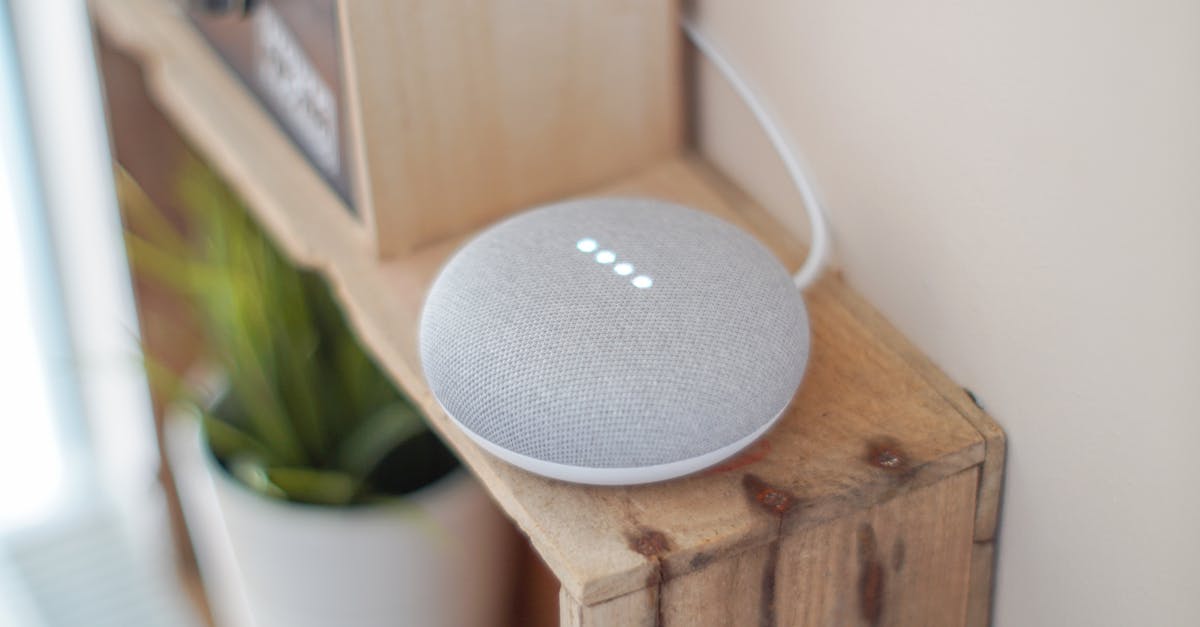
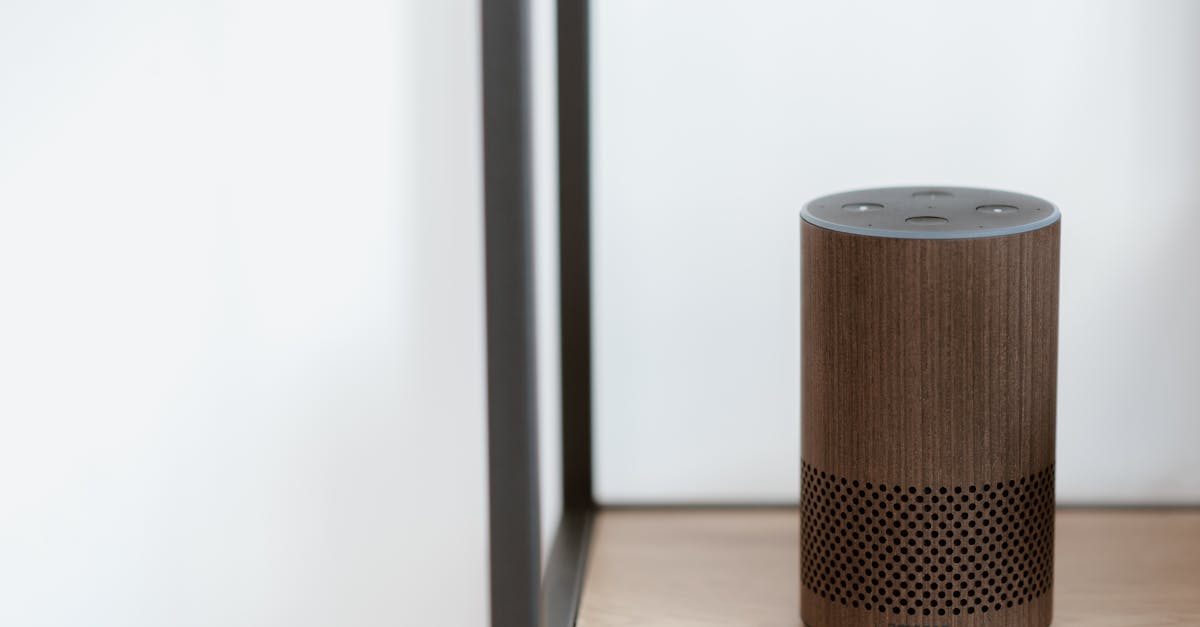
What changed everything for me was a simple audit of my smart speaker placement and my room acoustics. I realized my primary living room speaker was tucked into a corner, amplifying echoes. Moving it to a more central, unobstructed location, away from direct sources of noise like the TV or a noisy fan, instantly improved its listening capabilities. Beyond placement, consider soft furnishings: rugs, curtains, and upholstered furniture absorb sound, reducing echo and making your voice clearer. For critical areas like the bedroom or home office, a small investment in a thick rug or some wall art can make a surprising difference. It’s not about making your home sound like a recording studio; it’s about minimizing the acoustic chaos that your voice assistant has to contend with, allowing its 95% accuracy to truly shine.
Custom Routines and Strategic Phrasing for Predictable Outcomes
That remaining 5% often feels like a random dice roll, but it rarely is. Many misinterpretations stem from the voice assistant having too many possible ways to fulfill a vague command. For instance, saying “Turn off the lights” might lead to confusion if you have smart bulbs in multiple rooms or a mix of individual lights and groups. In my experience, relying on default commands is a primary source of frustration. The more precise you are, and the more you guide the assistant, the better the outcome.
This is where custom routines and strategic phrasing become indispensable. Instead of hoping the assistant figures it out, explicitly define what you want to happen. For example, instead of “Turn off the lights,” I created a routine called “Goodnight, home.” This single command now triggers a sequence: all downstairs lights off, doors locked, thermostat set to 68 degrees, and bedroom lights dimmed to 20%. This significantly reduces the chance of misinterpretation because the routine name itself is unique and the actions are predefined. I’ve found that using verbs and nouns that are less ambiguous and less prone to sounding like other words (e.g., “Activate sleep mode” instead of “Go to sleep”) also helps. Think about how you’d phrase a command if you were giving it to a human who needed explicit instructions – that’s the level of clarity your voice assistant benefits from. Over time, you’ll build a library of highly reliable commands that virtually eliminate that frustrating 5% error rate.
Leveraging ‘Trigger Phrases’ for High-Stakes Commands
For some smart home actions, a simple 5% failure rate is unacceptable. Think about your home security system, smart door locks, or critical energy controls. A misinterpreted command here isn’t just an inconvenience; it can be a security risk or lead to wasted energy. The solution, in my opinion, lies in creating a ‘trigger phrase’ and ‘confirmation’ system within your routines.
Here’s how I implement it: instead of saying “Lock the front door,” which could potentially be misheard as “Unlock the front door” in a noisy environment, I create a routine. This routine might be activated by a unique, less common phrase like, “Secure perimeter.” The routine then doesn’t just execute the command; it asks for confirmation. For example, “Did you want to lock all doors and arm the security system?” Only upon my affirmative “Yes” does the action proceed. This two-step verification adds a crucial layer of safety and reliability. It forces the voice assistant to confirm its understanding, effectively eliminating the risk of that 5% error rate on critical actions. While it adds a fraction of a second to the interaction, the peace of mind is invaluable, and it ensures that the most important aspects of my smart home are never left to chance.
Bridging the Expectation Gap: Understanding What Voice Assistants Can and Cannot Do
Part of the frustration with that 5% also comes from an expectation gap. We often anthropomorphize our voice assistants, expecting them to understand context, nuance, and intent much like a human would. The truth is, despite their advancements, they are still pattern-matching algorithms. They excel at recognizing specific phonetic patterns and associating them with predefined actions. They don’t ‘think’ or ‘understand’ in the human sense.
In my journey, acknowledging this limitation was a significant step toward reducing my own frustration. What this means in practice is that if a command is repeatedly misinterpreted, the issue isn’t necessarily a ‘bug’ or a ‘bad’ assistant; it’s often a poorly structured command or an unrealistic expectation of its interpretive abilities. What changed everything for me was realizing I needed to simplify my language, break down complex requests into smaller, more digestible commands, or explicitly define the desired outcome through routines. Instead of “Play something relaxing,” which leaves too much to interpretation, I’d say, “Play my ‘Chill Out’ playlist.” This reframe isn’t about dumbing down your requests; it’s about optimizing them for the way the technology actually works, turning that 5% frustration into a 99% success rate by design.
Frequently Asked Questions
Why does my voice assistant sometimes respond when no one is talking?
This often happens due to background noise or conversation that coincidentally sounds like the wake word (e.g., “Alexa,” “Hey Google”). Even though the overall accuracy is high, that 5% margin includes false positives. Improving your acoustic environment and relocating the device can help, as can adjusting the wake word sensitivity in your app settings if available.
Can my voice assistant’s accuracy improve over time?
Yes, most modern voice assistants use machine learning and become more accurate with individual usage. They adapt to your voice, accent, and common commands. Consistently using precise language and correcting misinterpretations can ‘train’ your device to better understand you.
Is speaking louder the best way to improve accuracy?
Not necessarily. Speaking louder can sometimes distort your voice and make it harder for the microphone to pick up clearly, especially if the device is already sensitive. A clear, steady speaking voice at a normal volume is generally more effective than shouting.
What if my voice assistant consistently fails on a specific device command?
First, check the device name in your smart home app – ensure it’s simple and distinct. Then, try creating a custom routine that specifically targets that device with a unique trigger phrase. If the issue persists, check for any firmware updates for both your voice assistant device and the smart home device in question.
Does having multiple smart speakers in one room affect accuracy?
It can, but usually for the better. Most voice assistant ecosystems are designed to detect which device is closest to you and respond from that one, preventing ‘echoes’ of responses. However, if they are too close together or have overlapping listening fields without proper coordination, it can occasionally lead to confusion. Ensure they are sufficiently spaced apart for optimal performance.
Conclusion
The 95% accuracy rate of today’s voice assistants is a remarkable achievement, but for many, the remaining 5% of failures can be a source of significant frustration. The key to unlocking a truly seamless smart home experience isn’t about waiting for technology to reach 100% perfection. Instead, it’s about understanding the nuances of how these devices operate and proactively optimizing our interactions. By paying attention to acoustic environments, crafting precise custom routines, implementing strategic trigger phrases for critical commands, and adjusting our own expectations, we can effectively bridge that persistent accuracy gap. Take the time to refine your setup and commands; the reward is a voice-controlled home that finally feels as intuitive and reliable as you always envisioned. Your next step should be to identify one frequently used command that often fails and create a custom routine for it.