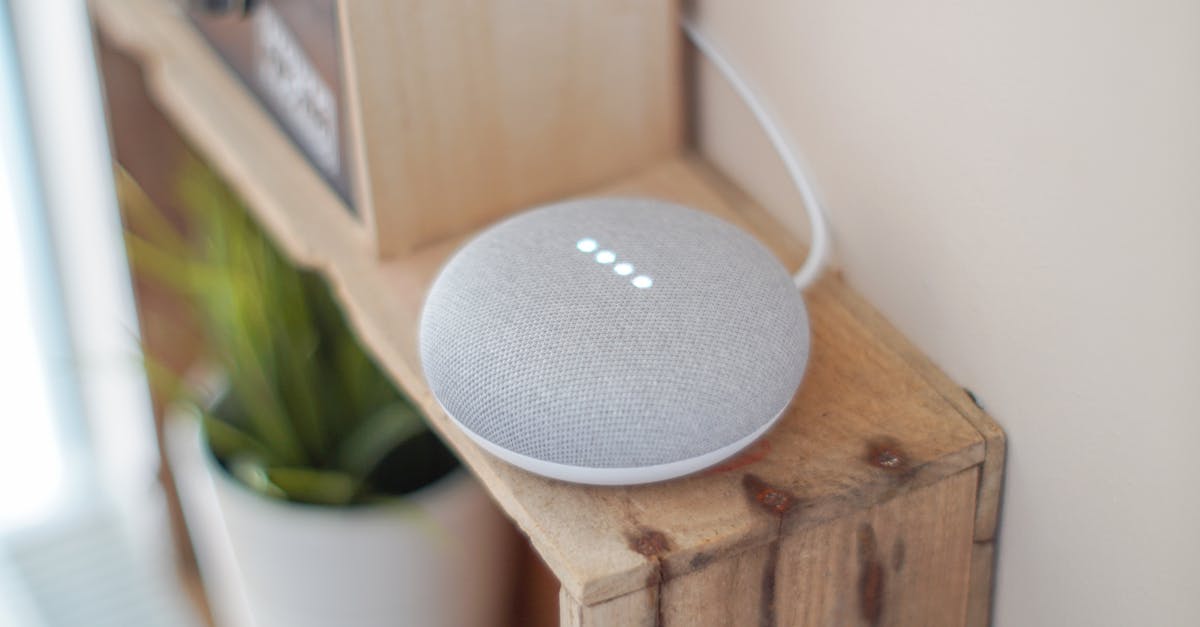
For many, the smart home dream starts and ends with basic voice commands: “Alexa, turn on the living room light,” or “Hey Google, what’s the weather?” And while that convenience is certainly appealing, it barely scratches the surface of what your voice assistant can truly do. I see countless smart home enthusiasts get a few smart bulbs and a speaker, enjoy the novelty for a week, and then forget the deeper potential. The mistake I see most often is treating a voice assistant as just a fancy remote control, rather than the orchestrator of an intelligent, responsive home.
What changed everything for me was shifting my perspective from individual device control to situational automation. Instead of turning on specific devices, I started thinking about the ‘scenes’ or ‘modes’ my home enters throughout the day – morning, leaving, arriving, evening, bedtime – and then building routines that effortlessly managed multiple devices to match that context. It’s the difference between asking for a single song and having a meticulously crafted playlist automatically start at just the right moment.
This isn’t about complex coding or tech wizardry. It’s about understanding a few core principles and applying them to your everyday life. This guide is for anyone who has a voice assistant but feels like they’re missing out on its true smart home potential. Let’s move beyond the basics and make your home truly work for you.
Key Takeaways
- Combine multiple actions into a single routine to streamline daily tasks and create seamless home environments.
- Utilize time-based and sensor-based triggers to automate routines, making your home proactive rather than reactive.
- Incorporate conditional logic (IF/THEN statements) to make routines smarter and adaptable to different scenarios.
- Experiment with delayed actions and custom phrases to add personality and practical utility to your automated home.
The Power of Multi-Action Routines
The biggest leap from basic commands to real automation comes with multi-action routines. Think about what you do when you wake up. It’s rarely just one thing, right? You might turn on lights, start the coffee maker, and check the news. Why issue three separate commands when one can do it all?
In my experience, this is where the Good Morning routine truly shines. Instead of saying, “Alexa, turn on kitchen lights,” then “Alexa, start coffee,” then “Alexa, what’s my calendar?”, I’ve configured a single routine triggered by “Alexa, good morning.” This one phrase initiates a sequence:
- Turns on the kitchen lights to 50% brightness and a warm white color temperature.
- Starts my smart coffee maker.
- Plays a flash briefing of the day’s news and weather.
- Adjusts the thermostat up 2 degrees.
This isn’t just about saving a few words; it creates a cohesive experience. My home responds to my presence and anticipated needs. The initial setup takes about 5-10 minutes in the Alexa or Google Home app, where you simply add each action in sequence. The key is to think about the natural flow of your day and group related tasks. For instance, an Evening Prep routine could dim the main lights, turn on accent lighting, and start your favorite evening playlist. It’s about creating a harmonious environment with minimal effort.
Beyond Voice: Time and Sensor Triggers
Voice is just one way to activate a routine. Truly smart homes leverage ambient triggers – events that happen without you having to say a word. The most common and useful are time-based triggers and sensor-based triggers.
For time-based routines, consider events that happen at a predictable time. My Bedtime routine is a prime example. I have it set to automatically activate at 10:30 PM on weekdays:
- Turns off all lights in the house.
- Adjusts the thermostat to a cooler sleeping temperature.
- Locks the smart front door.
- Sets a smart night light in the hallway to a dim red glow (less disruptive to sleep).
This removes the mental load of remembering to do all these things every night. I simply know they’ll happen. On weekends, the routine triggers an hour later. This flexibility is easy to configure within the routine settings.
Sensor-based triggers are even more powerful because they respond to real-time events. While they often require additional smart home sensors (like motion sensors, door/window sensors, or smart cameras with person detection), they elevate automation significantly. For instance:
- Motion Sensor in Hallway: When motion is detected between 11 PM and 6 AM, turn on a dim night light for 5 minutes, then turn it off. This saves energy and provides light only when needed.
- Door Sensor on Front Door: When the front door opens and no one is home (requires presence detection via phone location or other means), send an alert to my phone and turn on a specific outdoor camera to record for 2 minutes.
- Smart Camera Person Detection: When a person is detected in the driveway after sunset, turn on the outdoor floodlights for 10 minutes.
These routines are proactive. Your home anticipates your needs or responds to events without direct input, moving from convenient to genuinely intelligent.
Introducing Conditional Logic: The ‘IF/THEN’ Power-Up
Once you’re comfortable with multi-action routines and various triggers, you’re ready to add a layer of sophistication: conditional logic. This is where your routines start to think. Many voice assistant platforms, particularly Alexa with its more advanced routines, allow you to add ‘conditions’ to actions. Essentially, it’s an IF/THEN statement: “IF this condition is true, THEN perform this action.”
Let’s revisit the Good Morning routine. What if you wake up later on a Saturday, but the routine is set for a weekday time? Or what if it’s already bright outside? Here’s how conditional logic helps:
Good Morningwith Light Condition:- Trigger: “Alexa, good morning.”
- Action: IF
Outdoor BrightnessisDarkorDim, THENTurn on kitchen lights to 50% warm white. - Action:
Start smart coffee maker(unconditional). - Action:
Play flash briefing(unconditional).
This simple addition prevents your lights from blasting on unnecessarily if the sun is already streaming in, making the routine feel much more intuitive. Other useful conditions include:
- Device State: IF
Living Room LampisOff, THENTurn it on. - Temperature: IF
Thermostat TemperatureisBelow 70°F, THENTurn on heater. - Time Range: IF
Current TimeisBetween 9 PM and 6 AM, THENDim lights(useful forArriving Homeroutines that shouldn’t blast bright lights late at night).
While some conditions might require additional sensors (like brightness sensors), many can leverage existing device states or integrated weather data. Exploring the ‘Add Condition’ options in your routine builder is crucial for unlocking this level of smartness. It allows your home to adapt rather than just execute.
Delayed Actions and Custom Phrases for Finesse
Adding delays and custom phrases are small but impactful touches that can greatly enhance the feel and utility of your routines.
Delayed Actions: Instead of all actions firing simultaneously, sometimes you want a natural pause. My Movie Night routine is a perfect example:
- Trigger: “Alexa, movie time.”
- Action:
Dim living room lights to 10%. - Action:
Turn on TV. - Action:
Wait 5 seconds. - Action:
Play Netflix. - Action:
Wait 30 seconds. - Action:
Close smart blinds.
This staggered approach makes the experience feel smoother and more cinematic. You can add delays between almost any two actions, from a few seconds to several minutes, giving you precise control over the timing of your home’s responses.
Custom Phrases: While voice assistants offer many built-in trigger phrases, crafting your own adds personality and can make commands more memorable or intuitive for your household. My son, for example, uses “Alexa, story time” to dim his lights to a warm glow and start playing an audiobook from a specific point. This is much more engaging for him than a generic phrase.
You can also use custom phrases to create ‘aliases’ for complex routines or to make them more conversational. For instance, instead of “Alexa, activate dinner prep,” you could set a routine to trigger on “Alexa, what’s for dinner?” and have it respond with a custom phrase like “Let’s get cooking!” before turning on kitchen lights and playing a cooking playlist. Don’t be afraid to experiment with these to make your smart home truly feel like yours.
Troubleshooting and Refinement: Iteration is Key
No smart home routine is perfect on the first try. In my experience, the process is always one of iteration and refinement. When a routine doesn’t quite work, or if it triggers at the wrong time, don’t get discouraged – troubleshoot.
Here are my common troubleshooting steps:
- Check the Trigger: Is the phrase exactly right? Is the time set correctly, including AM/PM and days of the week? Is the sensor working and reporting correctly in the app?
- Review Action Order: Sometimes the sequence matters. For example, turning on a device before setting its brightness.
- Simplify and Test: If a complex routine isn’t working, break it down. Test each action individually. Then test small groups of actions. This helps pinpoint where the problem lies.
- Check Device Connectivity: Is every device involved in the routine online and responsive? A dropped Wi-Fi connection for one device can derail an entire routine.
- Look for Conflicts: Are there other routines or device settings that might be overriding the desired action? For instance, a light switch automation might conflict with a voice routine.
- Patience and Observation: Sometimes a routine works, but the timing feels off. Observe how it plays out in real life and adjust delays as needed. I’ve often found that a 3-second delay feels more natural than a 1-second delay for certain sequences.
This continuous process of testing and adjusting is what transforms a basic setup into a truly integrated and seamless smart home. It’s an ongoing dialogue with your technology to make it serve your actual habits and preferences, rather than forcing you to adapt to its limitations.
Frequently Asked Questions
How many devices can I include in a single routine?
Most voice assistant platforms allow for a significant number of actions in a single routine, often dozens. The practical limit is usually how many actions make sense together logically, rather than a hard technical limit. Focus on creating routines that feel cohesive and purposeful, rather than just cramming everything in.
Can routines be triggered by location?
Yes, both Alexa and Google Home allow for location-based triggers. You can set a routine to activate when you ‘Arrive Home’ or ‘Leave Home’ based on your smartphone’s GPS. This is excellent for automating security systems, outdoor lights, or climate control.
Do I need specific smart home devices for advanced routines?
While some advanced features like conditional logic based on ambient light or motion detection benefit from dedicated sensors or more sophisticated devices, many powerful routines can be built with just smart lights, smart plugs, and a thermostat. Start with what you have and expand as your needs evolve.
What happens if a device in a routine is offline?
If a device included in a routine is offline or unresponsive, the voice assistant will typically skip that specific action and continue with the rest of the routine. It will often provide an alert in the app that an action failed, but it usually won’t stop the entire routine from executing the other steps.
Can I share my routines with other household members?
Yes, in most voice assistant ecosystems (like Amazon Alexa’s Household Profiles or Google Home’s Family Groups), routines are shared among all recognized members of the household. This means anyone in your home can trigger the routines, and they will generally apply to everyone’s devices and settings within the shared home.
Conclusion
Moving beyond basic voice commands is the key to unlocking the true power of your smart home. By embracing multi-action routines, leveraging ambient triggers, incorporating conditional logic, and finessing with delays and custom phrases, you transform your voice assistant from a simple command-taker into a proactive home manager. It’s a journey of continuous refinement, but the payoff is a home that anticipates your needs, streamlines your day, and genuinely enhances your living experience. Start with one simple multi-action routine today and discover how much smarter your smart home can truly be.