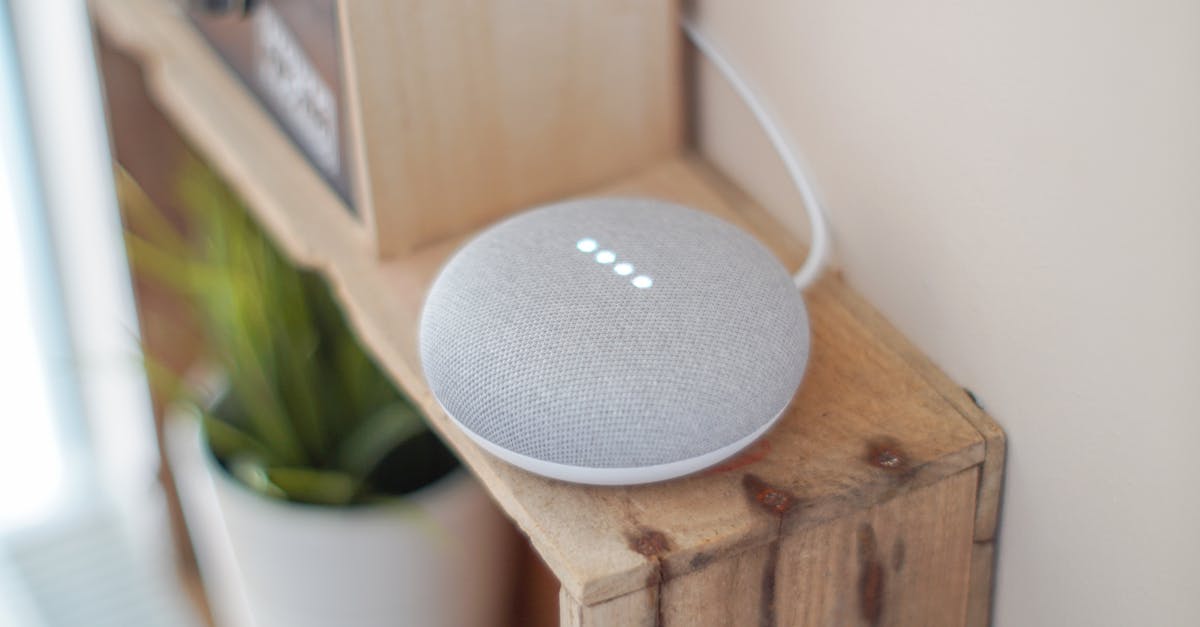
You’ve just settled into a deep conversation, sharing a story with friends, when suddenly your smart speaker chimes in, completely unprompted, ready to ‘help.’ Or perhaps you’re dictating a quick shopping list, and your voice assistant misses half the items, forcing you to repeat yourself multiple times. Both scenarios stem from the same core issue: hotword sensitivity, and getting it right is a delicate balancing act.
Most people assume their voice assistant’s default settings are optimal, but in my experience, that’s rarely the case. These defaults are designed for a broad audience, prioritizing a middle-ground that often leans too far into either missed commands or false positives. The real magic of a voice assistant isn’t just in its features, but in its ability to listen when you want it to and understand you accurately the first time. The mistake I see most often is users accepting the default hotword sensitivity, leading to daily frustrations that diminish the smart home experience. What changed everything for me was a methodical approach to fine-tuning this crucial setting, turning a sometimes-annoying gadget into a seamless part of my home.
Key Takeaways
- Default hotword sensitivity settings are a compromise, often leading to either too many false positives or too many missed commands.
- Adjusting sensitivity allows you to tailor your voice assistant’s responsiveness to your home’s unique acoustics and usage patterns.
- Higher sensitivity captures more commands but increases false activations, while lower sensitivity reduces interruptions but risks missed interactions.
- Strategic placement of smart speakers and understanding your device’s limitations are as critical as software adjustments for optimal performance.
The Trade-Off: Why High Sensitivity Isn’t Always Better
It might seem intuitive to set your voice assistant’s hotword sensitivity to its highest level. After all, you want it to hear you, right? In practice, this often leads to a cascade of annoying false positives. Imagine this: you’re watching a movie, and an actor utters a phrase that sounds suspiciously like ‘Alexa,’ ‘Hey Google,’ or ‘Siri.’ Suddenly, your smart speaker lights up, interrupting your entertainment to tell you it ‘didn’t understand’ or, worse, starts playing a random song or news brief. This isn’t just a minor inconvenience; it’s a disruption that pulls you out of the moment and erodes your trust in the device. In my living room, a high sensitivity setting meant my smart display would frequently activate during TV shows, sometimes even responding to background dialogue from nature documentaries. It felt like having a third, uninvited conversationalist, constantly chiming in with irrelevant observations. The threshold for what the microphone picks up becomes so low that ambient noise—a clattering dish, a dog’s bark, even someone clearing their throat—can trigger it. While the goal is to never miss a command, the cost of constant interruptions often outweighs the benefit. It creates an environment where you’re constantly on edge, waiting for the next accidental activation, rather than enjoying the seamless interaction smart tech promises. The sweet spot isn’t about maximum audibility; it’s about intentional audibility.
Understanding Your Home’s Acoustic Landscape
Your home is not a soundproof lab, and its unique acoustics play a massive role in how effectively your voice assistant operates. Factors like room size, furniture, carpet versus hardwood floors, and even the proximity of other sound-emitting devices (like TVs or other smart speakers) all influence how your voice travels and how hotwords are detected. For instance, a large, open-plan living area with high ceilings and minimal soft furnishings will have more echoes, making it harder for a smart speaker to isolate your voice from background noise. Conversely, a smaller, carpeted room with lots of soft furniture might muffle your voice, requiring higher sensitivity. I once installed a smart speaker in a tiled kitchen, and despite what seemed like a clear path to the device, the echoes from the hard surfaces caused it to frequently mishear me. The solution wasn’t just adjusting sensitivity, but also adding a small rug and placing the speaker on a non-reflective surface. Before you even touch the sensitivity settings, take a moment to consider where your smart speaker is located and what kind of sound environment it’s in. Is it next to a noisy appliance? Across a large room? Near a window where street noise is prominent? These environmental factors dictate how much (or how little) software sensitivity adjustment will actually help. Without accounting for your home’s unique sound profile, you’re essentially trying to hit a moving target in the dark.
Finding the Right Balance Through Iterative Testing
There’s no single ‘perfect’ hotword sensitivity setting; it’s deeply personal and depends on your usage, your voice, and your environment. The most effective approach I’ve found is iterative testing. Start with a baseline—often the default or slightly below—and then make small, incremental adjustments based on real-world experience. For most devices, you’ll find sensitivity options within the app under the specific device’s settings, sometimes labeled ‘hotword sensitivity’ or ‘wake word sensitivity.’ I recommend dedicating a week to each adjustment. During that week, consciously observe and log every time your voice assistant activates accidentally or fails to respond. For example, if you find it’s activating too often while watching TV, decrease the sensitivity by one notch. If it’s missing your commands from across the room, increase it slightly. Documenting these interactions, even with a simple tally, provides concrete data instead of relying on vague impressions. Don’t be afraid to experiment. What works for one room or one user might not work for another. My children’s playroom speaker, for instance, requires a much lower sensitivity than the one in my home office, due to the sheer volume of incidental noise. This iterative process allows you to dial in the ideal setting, moving beyond the ‘set it and forget it’ mentality that often leads to dissatisfaction.
Strategic Placement as a Sensitivity Multiplier
Software adjustments for hotword sensitivity are powerful, but they work best when combined with strategic device placement. Think of placement as a hardware solution that significantly influences the software’s effectiveness. A smart speaker placed in a corner, facing a wall, or tucked behind other objects will inevitably struggle to pick up your voice clearly, regardless of sensitivity. Conversely, positioning it in a central location, with an unobstructed line of sight (or sound) to where you typically interact with it, can dramatically improve its performance. In my kitchen, moving the smart display from a countertop corner to a central island location, about 10 feet from my usual cooking spot, made a huge difference. It no longer had to ‘shout’ over the microwave or contend with echoes off the backsplash. Consider the primary areas where you interact with your voice assistant. If it’s in the living room, place it where it has a clear path to your sofa or main seating area. If it’s in the bedroom, ensure it’s not buried under pillows or next to a noisy fan. Sometimes, simply rotating the device a few inches or elevating it slightly can improve microphone pick-up and reduce the need for extreme sensitivity adjustments, thus minimizing false positives. Optimal placement creates a foundation where even moderate sensitivity settings can perform exceptionally well.
When to Consider Multiple Devices or Different Models
Sometimes, even with meticulous sensitivity adjustments and optimal placement, a single voice assistant simply can’t cover your entire space effectively or handle complex acoustic challenges. This is where you might need to consider multiple devices or different models tailored to specific needs. For large open-plan homes, relying on one smart speaker to hear you from every corner is unrealistic. Adding a second, strategically placed device can eliminate dead zones and reduce the need to crank up the sensitivity on a single unit. For instance, I have one smart speaker in the kitchen and another in the adjoining dining area. When combined, their ‘voice detection’ capabilities (where they coordinate to ensure only one responds) prevent arguments about who heard the command, while ensuring commands are heard. Furthermore, some smart speakers are simply better at hotword detection than others, often due to superior microphone arrays or advanced noise-cancellation algorithms. If you’re consistently frustrated with a particular device, it might be worth researching models known for their robust hotword recognition in challenging environments. Investing in a slightly more advanced model for a high-traffic or acoustically difficult area can save you countless headaches and provide a far more reliable experience than constantly battling sensitivity settings on an underperforming device. Don’t be afraid to acknowledge when a device isn’t up to the task; upgrading or expanding can be a worthwhile investment in your smart home’s usability.
Frequently Asked Questions
How often should I adjust hotword sensitivity?
Once you find a setting that works well, you shouldn’t need to adjust it often. However, if you rearrange furniture, move the device, or introduce new sound sources (like a new TV or speaker), a re-evaluation and slight adjustment might be necessary. I typically review my settings quarterly to ensure they still align with my living environment.
Does hotword sensitivity affect privacy?
While directly adjusting sensitivity doesn’t change what is recorded, a higher sensitivity setting could mean your device is ‘listening’ more broadly to ambient sounds, increasing the chance of accidental activations. These activations generally result in short audio clips being sent to the cloud for processing. Lowering sensitivity can reduce these unintended recordings, thus indirectly enhancing privacy by minimizing instances of your device ‘waking up’ without a direct command.
Can other smart home devices interfere with hotword detection?
Yes, other devices, especially those with their own speakers or microphones (like smart TVs, soundbars, or even other smart displays), can create acoustic interference. Echo cancellation technology in smart speakers tries to filter these out, but a noisy environment can still confuse your voice assistant. Placing devices away from each other and identifying dominant sound sources can help.
My voice assistant still misses my commands even at high sensitivity. What else can I do?
If increasing sensitivity doesn’t help and causes false positives, the issue might be your device’s placement relative to your voice, or the acoustics of the room. Try moving the device to a more central, unobstructed location. Additionally, ensure there are no physical obstructions blocking the microphones. If all else fails, consider that the device itself might be underperforming, and a different model might offer better hotword detection capabilities.
Is there a way to ‘train’ my voice assistant to my voice?
Most modern voice assistants include voice recognition features that allow them to distinguish between different users and personalize responses. While this isn’t directly ‘training’ for hotword detection (which is designed to respond to anyone saying the wake word), it can improve the accuracy of commands after the wake word is detected by better understanding your specific speech patterns. Activating and completing the voice training process in your device’s app can generally improve overall recognition accuracy.
Conclusion
Achieving that sweet spot where your voice assistant is perfectly responsive without being overly intrusive is entirely possible, but it requires a more hands-on approach than simply unboxing and plugging in. By understanding the inherent trade-offs of hotword sensitivity, accounting for your home’s unique sound environment, and methodically testing different settings, you can transform a source of daily minor annoyances into a truly seamless and enjoyable smart home experience. Don’t settle for the defaults; empower yourself to fine-tune your tech. Your next step should be to open your voice assistant’s app and locate the hotword sensitivity settings for your primary device. Make a small adjustment and begin your week-long observation period – you’ll be surprised at the difference a little attention to detail can make.