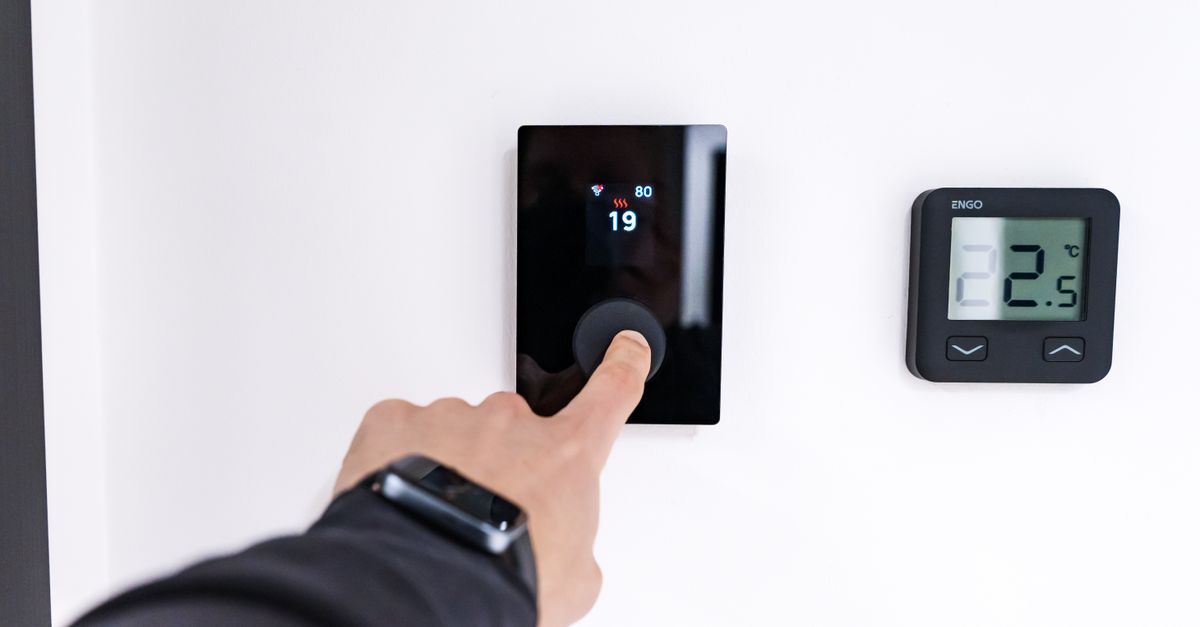
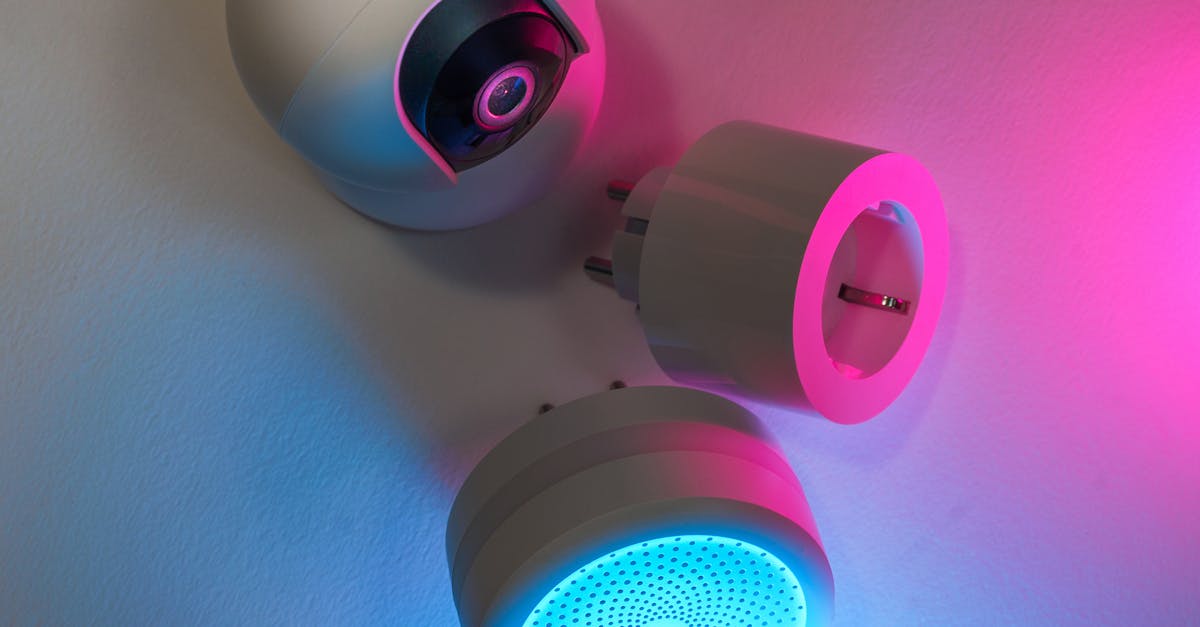
When I first dipped my toes into smart home technology, like many, I started with smart plugs. They felt like the obvious first step to understanding and cutting down my electricity bill. The idea was simple: plug in a device, track its usage, and identify energy hogs. For a few years, this was my go-to strategy. I accumulated a drawer full of smart plugs, labeling them, rotating them, trying to pinpoint exactly where my electricity budget was evaporating. I managed to shave a few dollars off my bill here and there, mostly by realizing how much power certain dormant devices drew.
But after a while, the piecemeal approach started to feel like chasing ghosts in a dark house with a single flashlight. I could see individual consumption, yes, but the bigger picture—the overall flow, the unseen draws, the cumulative effect of dozens of devices—remained stubbornly opaque. My electricity bill still felt like an educated guess, not a predictable outcome. That’s when I decided to go all-in on whole-home energy monitoring, installing a system directly at my electrical panel. I wanted to see if this more comprehensive approach could finally illuminate the entire energy landscape of my home and deliver savings that felt truly impactful. This past six months has been a deep dive into that comparison, and the results have been eye-opening.
Key Takeaways
- Whole-home energy monitors provide a comprehensive view of consumption, revealing hidden draws that smart plugs miss.
- Installing a whole-home monitor at the electrical panel offers superior accuracy and captures all household electricity usage.
- Smart plugs are effective for isolating individual device consumption but fall short for holistic energy management.
- The real power of whole-home monitoring is in identifying phantom loads and optimizing large appliance schedules.
The Limitations I Hit with Smart Plugs Alone
My journey with smart plugs began with optimism. I’d buy a pack, dedicate a weekend to plugging them into various devices, and meticulously track the kilowatt-hours. The initial wins were gratifying. I discovered my old desktop PC, even when ‘off,’ was pulling a surprising 15-20 watts simply to be ready for a wake-on-LAN command. My older printer had a 5-watt phantom load. My entertainment center, with its myriad components, collectively drew around 30 watts when supposedly idle. By putting these on smart plugs and simply turning them off completely at the plug, I managed to save about 50-70 kWh a month, which translated to roughly $5-8 off my bill, depending on seasonal rates.
However, the deeper I got, the more I realized the inherent limitations. First, I couldn’t monitor everything. I’d need dozens of smart plugs, an organizational nightmare, and a significant upfront investment. Beyond that, many essential appliances—my water heater, HVAC system, oven, washing machine, dryer, refrigerator—aren’t typically plugged into accessible outlets. They’re hardwired or use dedicated high-amp circuits that smart plugs simply can’t handle. This meant large, consistent energy consumers remained invisible to my monitoring efforts.
Second, the context was often missing. A smart plug told me my TV drew 100 watts when on, but it didn’t tell me why that 100 watts sometimes became 120, or if its usage coincided with something else that spiked my overall consumption. It was like trying to diagnose a complex engine problem by only checking the tire pressure. My electricity bill is a single, cumulative number, and smart plugs just couldn’t break down that total into meaningful, actionable segments beyond easily accessible outlets. I needed a broader perspective, something that could see every electron entering my home, not just the ones passing through a specific outlet.
Choosing and Installing a Whole-Home Energy Monitor
The decision to install a whole-home energy monitor wasn’t made lightly. It felt like a significant upgrade, both in cost and complexity, from simply plugging in a smart device. After extensive research, I settled on a system that uses current transformer (CT) clamps. These clamps go around the main service lines coming into your electrical panel and also around individual circuit breakers, allowing the monitor to measure current flow. The system then wirelessly transmits this data to a hub, which pushes it to a cloud service and a smartphone app.
Installation was the biggest hurdle, and frankly, not something for the faint of heart or those without basic electrical knowledge. I’m reasonably handy, but working inside a live electrical panel is serious business. I highly recommend consulting or hiring a licensed electrician if you’re not entirely comfortable. For my installation, the main steps were:
- Safety First: Absolutely, unequivocally, turn off the main breaker to kill power to the entire panel. I double-checked with a non-contact voltage tester on every bus bar and wire before proceeding. No power means no risk.
- Mounting the Hub: I found a suitable spot near the electrical panel, ensuring it had Wi-Fi signal and was out of the way. Most systems are designed to be wall-mounted or clip onto the panel itself.
- Installing Main CT Clamps: These are typically larger clamps that go around the two main hot wires coming into the panel. These measure the total energy consumption of your entire home.
- Installing Individual Circuit CT Clamps: This is where the magic happens for detailed insights. I carefully identified key circuits—HVAC, water heater, refrigerator, oven, washing machine, dryer, and my main lighting circuits. I then attached smaller CT clamps around the hot wire of each selected circuit breaker. This process involved carefully routing wires within the panel, ensuring no wires were pinched or obstructing the panel cover.
- Wiring the Monitor: Most systems require a low-voltage connection to a dedicated 15-amp breaker (or sometimes simply clipping onto a main bus bar for power) to power the monitoring unit itself. I wired mine to a spare single-pole breaker.
- Restoring Power & Setup: After double-checking all connections, I restored power at the main breaker. The monitoring system then powered up, and I followed the app’s instructions to connect it to my home Wi-Fi and configure the circuits, labeling each one so I could understand the data streams.
The entire process took me about three hours, largely due to my cautious approach and careful wire management within the panel. The upfront cost for the monitor and additional clamps was around $300, a significant jump from a $15 smart plug, but the promise of total visibility was worth the investment.
Unveiling Hidden Energy Habits: What My Monitor Revealed
Once the whole-home monitor was up and running, the data started pouring in, and it was immediately clear this was a different league from smart plugs. The first few days were all about observing the overall consumption graph. I could see peaks when the HVAC kicked on, smaller bumps when the refrigerator cycled, and a noticeable baseline draw even when I thought nothing was running. This baseline, it turned out, was my first major revelation.
My ‘phantom load,’ which I thought I had minimized with smart plugs, was still considerably higher than I expected – fluctuating between 80-120 watts. Smart plugs had caught the easy targets, but the whole-home monitor exposed the cumulative effect of things like charging bricks for phones and tablets, the always-on modems and routers, smart speakers in every room, the standby power of kitchen gadgets, and even small, often-forgotten devices like electric toothbrushes on their charging cradles. These aren’t typically plugged into smart plugs due to inconvenience or perceived low individual draw, but collectively, they added up to constant, invisible consumption.
Beyond phantom loads, the monitor gave me unparalleled insight into my large appliances. I saw exactly how much power my water heater used per cycle, revealing that simply lowering its temperature setting by 10 degrees (from 140°F to 130°F) reduced its energy consumption by roughly 10-15% over a month without any noticeable impact on hot water availability. I also learned about my HVAC cycles in detail. Before, I just knew it was on; now, I could see its real-time draw, helping me understand the efficiency of different thermostat settings or even hinting at potential maintenance issues if consumption suddenly spiked for no reason.
This level of detailed, real-time data allowed me to make truly informed decisions, rather than just guessing. I could see the impact of running the washing machine during peak hours versus off-peak, helping me optimize my schedule for time-of-use rates. It transitioned my energy management from a series of educated guesses to a data-driven strategy.
The True Value of Comprehensive Data for Real Savings
The biggest distinction between whole-home monitoring and smart plugs, in my experience, boils down to scope and actionable insight. Smart plugs are excellent for micro-management: identifying a specific device’s draw and allowing for remote control. But they’re limited to individual, accessible outlets and blind to the larger systems that make up the bulk of a home’s energy consumption.
The whole-home monitor, on the other hand, provides macro-management capabilities. It reveals the cumulative effect of all devices, highlights the usage patterns of hardwired appliances, and, most importantly, establishes a baseline for ‘always-on’ consumption. This baseline is critical. If your baseline consumption is 100 watts, you know there’s 2.4 kWh per day that you’re paying for regardless of active usage. Targeting that systemic waste is far more impactful than just turning off a single lamp. I was able to identify which older appliances had a higher standby draw than newer, more efficient models, prompting me to prioritize replacements for items like my old garage refrigerator.
Furthermore, the historical data was invaluable. I could compare weekly or monthly usage, see the impact of weather on my HVAC system, or track the effect of behavioral changes. For example, after realizing how much energy my oven used for preheating, I started batch cooking more efficiently, grouping oven-dependent meals, which reduced both preheating time and total cooking cycles. This kind of optimization simply isn’t possible with individual smart plugs.
Over the six months, my initial $5-8 monthly savings from smart plugs quadrupled. I now save an average of $20-30 per month, primarily by tackling the unseen phantom loads, optimizing large appliance use based on real data, and making more strategic decisions about when to run energy-intensive tasks. This translates to $240-360 in annual savings, making the whole-home monitor’s upfront cost well worth it.
Who Benefits Most From Whole-Home Energy Monitoring?
Based on my experience, whole-home energy monitoring isn’t for everyone, but it offers significant advantages for specific homeowner profiles:
- Energy-Conscious Homeowners: If you’re genuinely committed to understanding and reducing your energy footprint beyond simple smart plug fixes, this is the tool. It provides the granular data needed to make informed decisions.
- Homeowners with High or Fluctuating Bills: If your electricity bills seem inexplicably high or swing wildly without clear reasons, a whole-home monitor can pinpoint the culprits. It removes the guesswork from understanding consumption patterns.
- Tech-Savvy DIYers: The installation can be daunting, but for those comfortable working in their electrical panel (or willing to hire an electrician), the setup is manageable. The data interface is also generally app-based, appealing to those who like data visualization.
- Individuals in Homes with Time-of-Use (TOU) Rates: If your utility charges different rates based on the time of day, this monitor is a game-changer. It allows you to see the real-time cost impact of running appliances and optimize your schedule to shift usage to off-peak hours, maximizing savings.
- Owners of Older Homes or Appliances: Older homes often have less efficient insulation and older appliances with higher phantom loads or less efficient operation. A monitor quickly identifies these areas for potential upgrades or behavioral changes.
Conversely, if you’re only looking to control a few lamps or see if your coffee maker is off, smart plugs are perfectly adequate. If you’re not interested in detailed data analysis or are intimidated by electrical work, the barrier to entry for whole-home monitoring might outweigh the benefits. But for those ready to peel back the curtain on their home’s entire energy story, it’s an investment that truly pays off in understanding, control, and ultimately, real savings.
Frequently Asked Questions
How accurate are whole-home energy monitors compared to utility meters?
Most whole-home energy monitors using CT clamps are quite accurate, typically within 1-2% of your utility meter. They measure the actual current flowing through your electrical lines, providing a highly reliable reading of your consumption. This level of accuracy is superior to inferring usage from a collection of smart plugs.
Can a whole-home energy monitor integrate with my smart home system?
Many modern whole-home energy monitors offer integrations with popular smart home platforms like Apple HomeKit, Google Home, or Amazon Alexa, or can be controlled via IFTTT. This allows for advanced automation, such as triggering smart plugs to turn off when the overall home consumption reaches a certain threshold or adjusting smart thermostat settings based on real-time energy usage.
Is it safe to install a whole-home energy monitor myself?
Installing a whole-home energy monitor, particularly one that requires opening your electrical panel and attaching CT clamps to live circuits, carries inherent risks. If you are not experienced and comfortable working with high-voltage electricity, it is strongly recommended to hire a licensed electrician for the installation to ensure safety and compliance with local codes.
What kind of data does a whole-home energy monitor provide?
Whole-home energy monitors provide a wealth of data, including real-time total power consumption (in watts or kilowatts), historical usage trends (daily, weekly, monthly, yearly), power spikes, and often, individual circuit consumption if you install multiple CT clamps. Many systems also estimate your electricity bill based on your local rates, helping you track costs in real-time.
How long does it take to see savings after installing a whole-home energy monitor?
The time to see significant savings can vary, but generally, homeowners start identifying actionable insights within the first few weeks of data collection. The immediate benefit is often realizing how much energy is consumed by always-on phantom loads. More substantial savings come from optimizing large appliance usage and making behavioral changes based on the detailed historical data, typically yielding noticeable differences on your bill within 1-2 billing cycles.
In my experience, moving from isolated smart plugs to a comprehensive whole-home energy monitor was like upgrading from a dim flashlight to a full stadium lighting system. It transformed my understanding of where my money was going and empowered me to make truly impactful changes. The initial investment in the hardware and the installation time paid off handsomely, not just in tangible dollar savings, but in the peace of mind that comes with real control over my home’s energy consumption. If you’re serious about energy efficiency, it’s a step I wholeheartedly recommend considering.