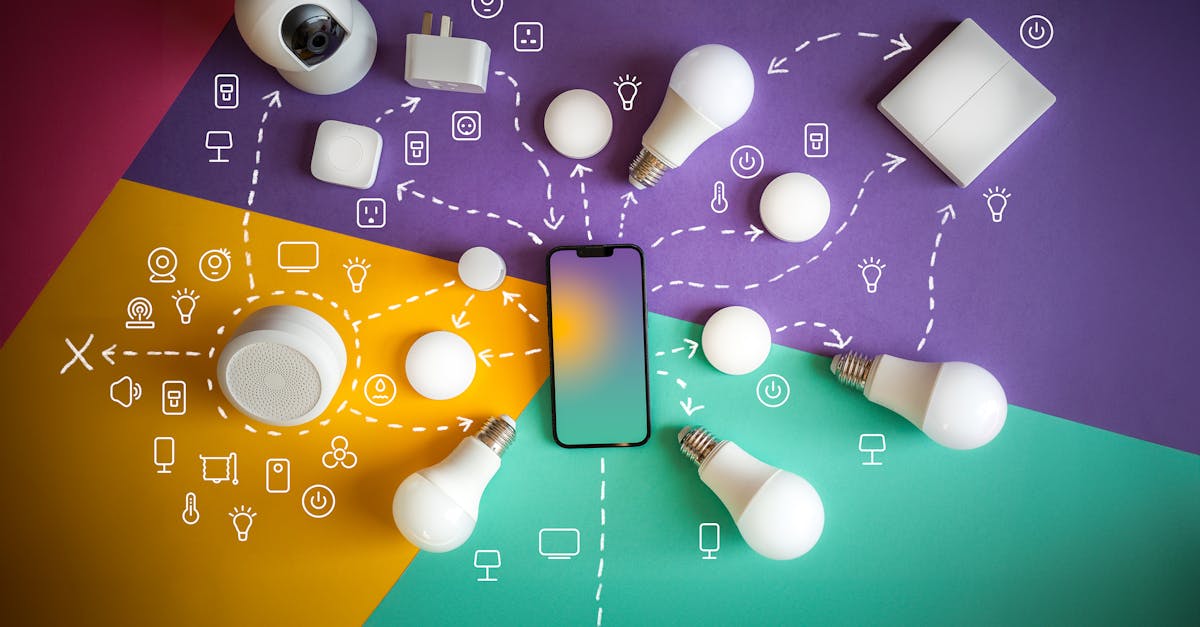
The flicker of lights, the sudden silence of the refrigerator — a power outage brings an immediate halt to modern life, especially when your home is packed with smart devices. In my experience, most people focus on getting power back on, whether that’s through a generator or a battery backup. But the real challenge during an extended outage isn’t just generating power; it’s managing the limited power you have effectively. This is particularly true for smart home enthusiasts, where every device, even in standby, sips energy. The mistake I see most often is treating all devices equally, leading to rapid drain of precious backup power. What changed everything for me was adopting a triage mindset: prioritizing truly essential functions and ruthlessly cutting everything else.
Key Takeaways
- Prioritize essential smart home devices like security, communication, and critical lighting during an outage.
- Establish clear power-saving modes and routines for non-essential devices before an outage occurs.
- Invest in smart plugs and dedicated backup batteries for targeted power management and isolation.
- Regularly test your emergency power plan with devices disconnected to identify hidden drains.
Prioritize Your Smart Home’s Hierarchy of Needs
When the power goes out, not all smart devices are created equal. In my home, the immediate priority shifts to security, communication, and minimal essential lighting. This means smart door locks, security cameras with local storage, and my mesh Wi-Fi system (which supports critical communication) get first dibs on backup power. Everything else—smart speakers for music, decorative lighting, smart appliance monitors—is immediately secondary. The misconception here is that a ‘smart’ device is inherently more power-efficient. In reality, many smart devices, even when seemingly idle, maintain a network connection or run background processes that consume power. My first few outages were a chaotic scramble because I hadn’t clearly defined this hierarchy. Now, I have a physical checklist of devices that get power and those that are immediately unplugged or switched off at the smart plug. This isn’t just about preserving battery life; it’s about reducing decision fatigue in a stressful situation.
In a typical scenario, a fully charged portable power station (like a 1000Wh unit) might run my refrigerator for 8-10 hours. If I also try to keep smart bulbs, a smart thermostat, and a smart display active, that runtime can easily be cut in half, leaving me without critical food preservation or vital communication. The immediate action is to unplug non-essential smart devices entirely or cut their power via smart plugs that can operate locally (more on that later). Don’t rely solely on ‘standby’ modes; many still draw power.
Create ‘Outage Routines’ for Power-Hungry Devices
Many smart home platforms allow for complex routines, but few people create specific ‘power outage’ routines. This is a missed opportunity. In my experience, setting up pre-configured scenarios for an outage can save critical battery life and streamline your response. For example, my standard ‘Goodnight’ routine might turn off all lights, but my ‘Outage Night’ routine additionally powers down the smart thermostat, cuts power to smart displays, and puts my smart blinds into a locked, static position. These routines are designed to reduce device activity to the bare minimum.
The key is to understand which devices can still function effectively during an outage with limited power, and how to tell them to do so. For instance, some smart bulbs have a low-power mode that provides just enough light to navigate, or can revert to a simple on/off switch if their smart hub is offline. This relies on the device’s local processing capabilities. I’ve found it invaluable to test these routines in advance, simulating an outage by turning off my main breaker (briefly, of course). This revealed that some of my supposedly ‘smart’ devices were entirely useless without a cloud connection, becoming simple bricks that still drew residual power. It’s about preparedness, not just reaction.
Leverage Smart Plugs for Granular Control (Even Offline)
Smart plugs are often seen as entry-level smart home devices, but they are indispensable for power management during an outage, provided you choose the right kind. The crucial distinction is between cloud-dependent smart plugs and those with local control. If your smart plug requires a Wi-Fi connection to its hub or the internet to operate, it’s useless when the power is out and your router is down. However, many brands (like those based on Zigbee or Z-Wave, or some Wi-Fi models with specific local control features) can still be toggled manually or via a local hub running on battery backup.
In my setup, I have critical devices (like a small fan for air circulation or a lamp) plugged into smart plugs that I know can be controlled locally. This allows me to completely cut power to them when not in use, rather than just switching them ‘off’ via an app, which often leaves them in a low-power listening state. These specific smart plugs are also connected to my backup power source. This strategy has proven far more effective than simply unplugging devices, as it allows for quick, controlled power restoration to specific devices when needed, without fumbling in the dark. It’s the difference between a controlled shutdown and a chaotic unplugging session.
Dedicated Battery Backups for Essential Nodes
While a whole-home generator or a large portable power station is ideal for overall power, I’ve found that dedicating smaller, targeted battery backups to specific, essential smart home ‘nodes’ provides a layer of resilience that’s often overlooked. My primary investment has been in a small Uninterruptible Power Supply (UPS) for my modem, router, and smart home hub. This ensures my local network and smart home control remains online for an extended period, even if the main backup power is solely focused on larger appliances.
Maintaining the local network, even when the internet is out, means devices with local control (like the aforementioned Zigbee/Z-Wave smart plugs or certain lighting systems) can still be managed. This prevents them from becoming completely useless and reduces their power draw from constantly trying to re-establish a lost connection. For example, my security camera system, which relies on a local NVR, has its own small UPS. This setup ensures that in a complete blackout, my critical communication, local smart home control, and security monitoring can continue for hours, long before the main power station runs dry. This layered approach prevents a single point of failure from crippling your entire smart home emergency plan.
Regularly Audit and Test Your Power Outage Plan
The most sophisticated power management plan is useless if it’s not regularly tested and refined. I make it a point to simulate a power outage at least twice a year. This involves more than just unplugging the main power station. I’ll actually switch off my main breaker (for 15-30 minutes during the day, for safety) to see how my smart home reacts. This isn’t just about checking if the lights come on; it’s about observing how different devices transition, which ones attempt to reconnect futilely, and where unexpected power drains occur.
During one such test, I discovered that a smart speaker, which I thought was off, was still constantly trying to find its Wi-Fi signal, slowly but surely eating into my UPS battery. This led me to implement the local-control smart plugs and strict ‘Outage Routines.’ This iterative process of testing, observing, and refining is crucial. Technology evolves, and so should your emergency plan. Don’t wait for a real emergency to discover the weak links in your smart home’s power resilience. Every test helps you trim unnecessary power draws and solidify your response, turning a potentially chaotic event into a manageable situation.
Frequently Asked Questions
How much power do smart home devices consume on standby during an outage?
Even in standby, many smart devices, especially those constantly connected to Wi-Fi or a smart hub, consume a small but continuous amount of power. This can range from less than 1 watt for a simple smart plug to 3-5 watts for a smart display or speaker constantly listening for commands. Over hours or days, these seemingly small draws add up significantly, especially when relying on limited battery backup.
Can I use all my smart devices with a generator or battery backup during an outage?
While technically possible, it’s generally not advisable without careful planning. Running all your smart devices indiscriminately will rapidly deplete battery backups. Generators provide more sustained power, but constant use can be costly and noisy. The best approach is to prioritize and only power essential devices to conserve energy.
Do smart plugs consume power themselves, and should I unplug them too?
Yes, smart plugs themselves consume a small amount of power (typically 0.5-1.5 watts) to maintain their network connection and listen for commands. For non-essential devices, if the smart plug is not locally controllable or you don’t need the device, unplugging both the device and the smart plug is the most energy-efficient option during an outage.
How can I tell which of my smart devices have local control capabilities?
This information is usually found in the device’s specifications or user manual. Devices using Zigbee or Z-Wave protocols are more likely to have local control if their hub is still powered. Some Wi-Fi devices also offer local control via an API or specific settings. Testing during a simulated outage is the most reliable way to confirm.
Is it safe to leave smart home devices connected to backup power during an outage?
Yes, it is generally safe if your backup power source (UPS, power station) is designed for household electronics and provides clean, stable power. However, always ensure devices are properly plugged in and that the backup unit is not overloaded. The primary concern is not safety, but rather efficient power consumption to extend the duration of your backup supply.
What’s the first thing I should do with my smart home when the power goes out?
The very first thing is to quickly identify and unplug all non-essential smart devices from their power sources or use smart plugs with local control to cut power. Then, ensure your critical communication and security devices are receiving power from their dedicated backups. This immediate action prevents unnecessary power drain and sets the stage for effective management.
Managing your smart home during a power outage doesn’t have to be a desperate scramble. By creating a hierarchy of needs, implementing smart routines, using the right smart plugs, and dedicating power to essential network nodes, you can ensure your home maintains critical functionality when it matters most. Regular testing is the final, indispensable step to a truly resilient smart home. Don’t wait for the next blackout to get your plan in order; start optimizing your emergency power strategy today. It’s a small investment of time for significant peace of mind.