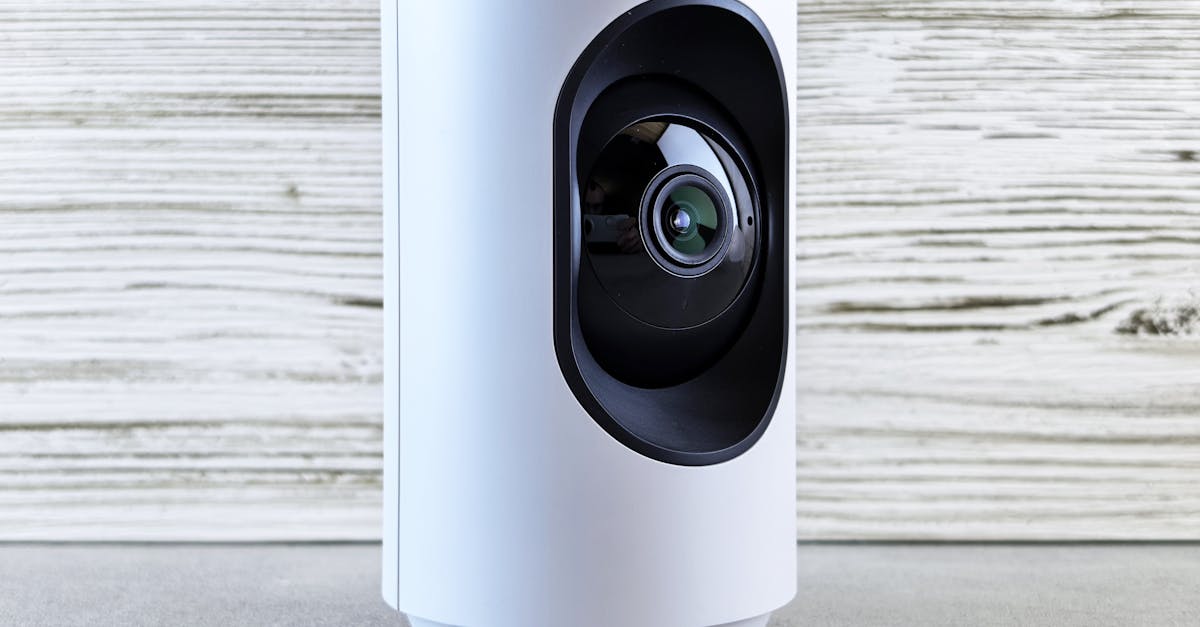
You’ve invested in a smart home security system, carefully installed the cameras, armed the door sensors, and linked it all to your voice assistant. You feel secure, right? In my experience, this is where many homeowners make their biggest mistake: assuming ‘smart’ automatically means ‘secure.’ The reality is, a surprising number of smart home security setups are prone to critical failures that leave glaring vulnerabilities, often without the homeowner even realizing it. It’s not about the technology being inherently flawed; it’s about how we configure, integrate, and maintain it. What changed everything for me was recognizing that smart security isn’t a set-it-and-forget-it solution; it’s an active, ongoing process that requires understanding its unique weaknesses.
Key Takeaways
- Generic security settings are rarely enough; customize every aspect for your specific home layout.
- Relying solely on Wi-Fi creates single points of failure that leave your system vulnerable to outages.
- Neglecting regular firmware updates leaves your devices open to known security exploits.
- Overlooking physical installation details can render even the best sensors useless.
- Without a clear plan for emergency response, even a triggered alarm may not lead to effective action.
1. Relying on Default Settings for Your Home’s Unique Layout
The biggest vulnerability I consistently see is the ‘out-of-the-box’ mentality. Many people install their smart security system, connect it, and assume the default settings are robust enough. This is rarely the case. Your home is unique: its layout, entry points, and surrounding environment all dictate specific security needs that generic settings simply can’t address. For instance, a default motion sensor setting might be too sensitive, triggering false alarms from pets or swaying trees, leading you to disable it out of frustration. Or, conversely, it might not be sensitive enough to detect an intruder creeping along a specific wall.
What actually works is a meticulous, room-by-room audit of your home. Start by physically walking through every area, imagining yourself as an intruder. Where are the weak points? Are there windows that are rarely opened but easily accessible? Back doors obscured by landscaping? Then, customize every single sensor and camera setting to match these observations. Adjust motion detection zones to cover only critical areas, ensuring pets are excluded. Fine-tune sensitivity. For smart cameras, adjust activity zones to focus on actual entry points and high-traffic areas, rather than capturing irrelevant public spaces. I once worked with a client whose camera was constantly triggering due to a neighbor’s car. Instead of simply turning off notifications, we reconfigured the activity zone to only monitor the immediate vicinity of their front door, eliminating false alarms while maintaining crucial coverage. This granular customization takes time, but it’s the difference between a system that merely exists and one that actively protects.
2. Overlooking Wi-Fi as a Single Point of Failure
Smart security systems, by their nature, are heavily reliant on your home’s Wi-Fi network. While convenient, this creates a critical single point of failure that most homeowners overlook. If your Wi-Fi goes down, whether due to a power outage, an internet service provider issue, or even a deliberate attack, many smart security features become useless. Cameras stop recording, sensors can’t communicate, and you lose remote access and alerts. The mistake I see most often is failing to plan for this inevitability.
What changed everything for me was adopting a layered connectivity approach. For critical security components, I prioritize devices that offer local processing and backup battery power, as well as alternative communication methods like cellular backup. Many modern security hubs come with built-in cellular radios that can take over if your internet connection is lost. This often comes with an additional monthly fee, but it’s a non-negotiable for true peace of mind. Additionally, consider having a UPS (Uninterruptible Power Supply) for your modem, router, and central security hub. This small investment can keep your internet and security online for several hours during a power outage, giving you crucial time for alerts and monitoring. Relying on Wi-Fi alone is like having a perfectly good car with an empty fuel tank; it won’t get you anywhere when you need it most.
3. Neglecting Firmware Updates and Security Patches
Just like your smartphone or computer, smart home security devices run on software – firmware – that requires regular updates. The common misconception is that once a device is installed, it’s good to go forever. This couldn’t be further from the truth. Manufacturers frequently release updates to patch newly discovered security vulnerabilities, improve performance, and add new features. Ignoring these updates leaves your system exposed to known exploits that hackers could use to compromise your devices, gain access to your network, or disable your security.
What actually works is to treat firmware updates as a critical, scheduled maintenance task. Enable automatic updates whenever possible. For devices that require manual updates, set a recurring reminder (e.g., once a month) to check for and install them. I always advise my clients to review the release notes for each update to understand what’s being addressed. This isn’t just about security; it often includes performance enhancements or bug fixes that prevent frustrating glitches. A vulnerable device isn’t just a weak link; it’s an open door that can compromise your entire home network. Make updating a habit, not an afterthought.
4. Underestimating Physical Installation Details for Sensors
Many smart security systems rely on contact sensors for doors and windows, or motion sensors to cover areas. The effectiveness of these devices is entirely dependent on their physical installation. The mistake I see most often is a rushed, superficial installation – sticking a contact sensor where it’s convenient, or placing a motion sensor without considering its field of view or potential obstructions. A poorly placed sensor is effectively a non-existent sensor.
What changed everything for me was understanding the principles of professional physical security installation. For contact sensors, ensure the two parts (magnet and sensor) are perfectly aligned and within the manufacturer’s specified gap distance (often just a few millimeters) when the door or window is closed. A small misalignment might mean the sensor doesn’t register as ‘closed’ or fails to trigger when opened. For motion sensors, position them in corners, angled to cover the entire entry point of a room, avoiding direct sunlight or heat sources that can cause false positives. Test every single sensor after installation: open and close the door, walk through the motion zone, and confirm that the system registers the event correctly. In my own home, I use small pieces of double-sided tape for initial placement, testing thoroughly before committing with permanent adhesive or screws. This methodical approach ensures your hardware functions exactly as intended, providing reliable detection where it matters most.
5. Lacking a Clear Emergency Response Plan
A smart security system is only as good as the response it elicits when an alarm is triggered. The biggest oversight I consistently encounter is the absence of a clear, practiced emergency response plan. Many homeowners rely on an alarm sounding or a push notification to their phone, without having a defined next step. What happens if you’re asleep? What if your phone is off or lost? What if you’re out of town? Without a plan, even the most sophisticated alert system becomes a mere noise, not an action.
What actually works is developing a detailed, tiered emergency protocol and sharing it with trusted individuals. This includes:
- Monitored Service: If you’re not already, subscribe to a professional monitoring service. They receive alerts directly and can dispatch emergency services. This is invaluable, especially when you’re unavailable.
- Contact Tree: Establish a clear contact tree for family, trusted neighbors, or friends who should be notified in an emergency. Ensure they have clear instructions on what to do (e.g., check cameras, call police if warranted, don’t enter). Give them temporary guest access to your smart cameras if comfortable.
- Local Authority Information: Have your address, gate codes, and any relevant details readily available for emergency services. Some monitored systems allow you to pre-load this information.
- Practice: Periodically, simulate an alarm and walk through your response plan. This helps identify gaps and ensures everyone involved knows their role. In my experience, even a simple annual review can significantly boost your preparedness and confidence.
6. Overlooking the Vulnerability of Connected Smart Devices
Your smart home security system doesn’t exist in a vacuum. It’s often interconnected with other smart devices: smart lights, thermostats, voice assistants, and even smart appliances. While this integration offers convenience, it also introduces additional points of vulnerability that are frequently overlooked. A weak link in any connected device can potentially compromise your entire security ecosystem. The mistake I see most often is treating these auxiliary devices as separate entities from your core security.
What changed everything for me was realizing that every connected device is a potential backdoor. Secure all your smart devices, not just the ones labeled ‘security.’ This means:
- Strong, Unique Passwords: Every single device and its associated app needs a complex, unique password. Do not reuse passwords across devices or accounts.
- Two-Factor Authentication (2FA): Enable 2FA on all smart home accounts whenever possible. This adds an essential layer of security.
- Network Segmentation: For advanced users, consider setting up a separate Wi-Fi network (a guest network or VLAN) specifically for your smart home devices. This isolates them from your main computers and sensitive data, limiting potential damage if one device is compromised.
- Regular Audits: Periodically review which devices have access to your network and what permissions they have. Disconnect or remove any devices you no longer use. Remember, the weakest link in your smart home chain can be its undoing.
7. Ignoring the Basics of Traditional Home Security
In the excitement of new smart technology, it’s easy to overlook fundamental, low-tech security measures that remain incredibly effective. The common misconception is that a fancy camera or smart lock can replace a sturdy door or good habits. This is a critical error. Smart technology should enhance traditional security, not replace it.
What actually works is a holistic security strategy that layers smart tech on top of robust physical foundations. This includes:
- Strong Doors and Locks: Ensure all exterior doors are solid core and have high-quality deadbolts with at least a 1-inch throw. Smart locks are excellent, but they’re useless on a flimsy door or with weak strike plates.
- Window Reinforcement: Consider window locks, security film, or even simply ensuring windows are closed and latched when you leave.
- Outdoor Lighting: Adequate exterior lighting, especially motion-activated lights, acts as a strong deterrent. While smart lights can automate this, any bright light is better than none.
- Visibility and Landscaping: Trim shrubs and trees that could provide cover for intruders near windows or doors. Ensure your house number is clearly visible for emergency services.
- Good Habits: Always lock doors and windows, even when you’re just stepping out for a moment. Don’t broadcast your travel plans on social media. In my experience, these simple, traditional steps drastically reduce the likelihood of a break-in, giving your smart system a stronger foundation to build upon.
Frequently Asked Questions
How often should I check my smart security system for issues?
I recommend a quick daily check of your app to confirm all devices are online. A more thorough review, including sensor testing and battery checks, should be done monthly. Firmware updates should be applied as soon as they’re available or at least monthly.
Can my smart security system be hacked?
Yes, any internet-connected device can potentially be hacked. This is why strong, unique passwords, two-factor authentication, and regular firmware updates are absolutely crucial. Using a dedicated IoT network for smart devices can also reduce the risk to your main network.
Is professional monitoring worth the extra cost?
In my opinion, absolutely. While smart notifications are helpful, professional monitoring ensures that emergency services are dispatched quickly, even if you’re unavailable or unable to respond. It adds a vital layer of human intervention that automated systems can’t replicate.
Should I integrate my smart security with my voice assistant?
Yes, but with caution. Voice assistants offer convenience (e.g., ‘Alexa, arm the alarm’), but ensure you’ve enabled voice PINs or other security features for critical commands to prevent unauthorized access. Limit what commands your voice assistant can execute directly related to disarming your system.
What if I have pets? How do I prevent false alarms?
Many motion sensors have ‘pet immunity’ settings, which can be adjusted based on your pet’s weight. Additionally, strategically placing sensors (e.g., higher on a wall, or using door/window contact sensors instead of motion in pet-heavy areas) and carefully defining activity zones on cameras can significantly reduce false alarms.
Conclusion
Your smart home security system is a powerful tool, but it’s not foolproof. The biggest takeaway here is that genuine security comes from thoughtful configuration, consistent maintenance, and a multi-layered approach that integrates both cutting-edge technology and time-tested principles. Don’t fall into the trap of assuming your system is infallible just because it’s ‘smart.’ Take the time to understand its potential weaknesses, customize its settings to your home’s unique needs, and always have a plan for when things go wrong. By actively engaging with your system and addressing these seven common failure points, you can move beyond mere convenience to truly protect your home and gain genuine peace of mind. Your next step should be a thorough audit of your current system, comparing it against the points I’ve outlined, and making any necessary adjustments to bolster your defenses.


